Studio (not open yet)
Studio tour
The Studio is where you design a visual live — pick a pattern, tune it, and preview every size and theme.
Not open yet
The Studio isn't open yet. Everything it makes can be written by hand. See From Studio to your app.
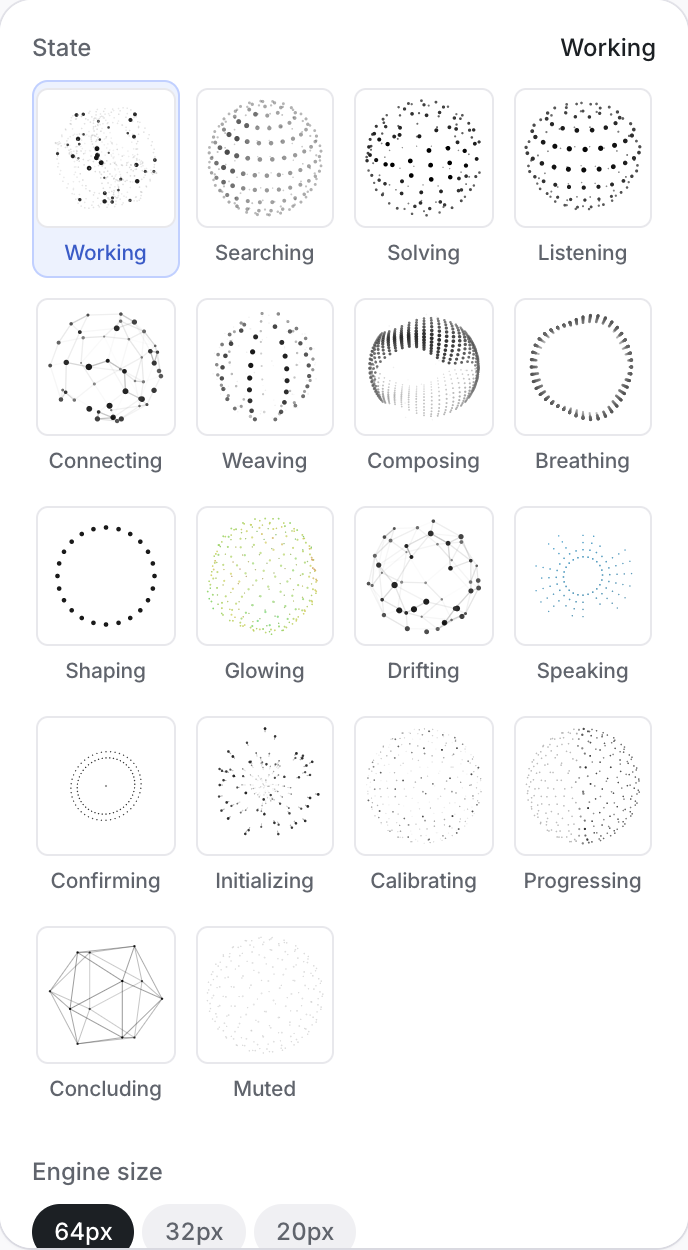
The Studio has one tab per object: Orbs, Signal, Ring, Beacon, Core. Each tab opens a grid of pattern thumbnails — static drawings, so the grid stays calm; the stage beside it is the live one.
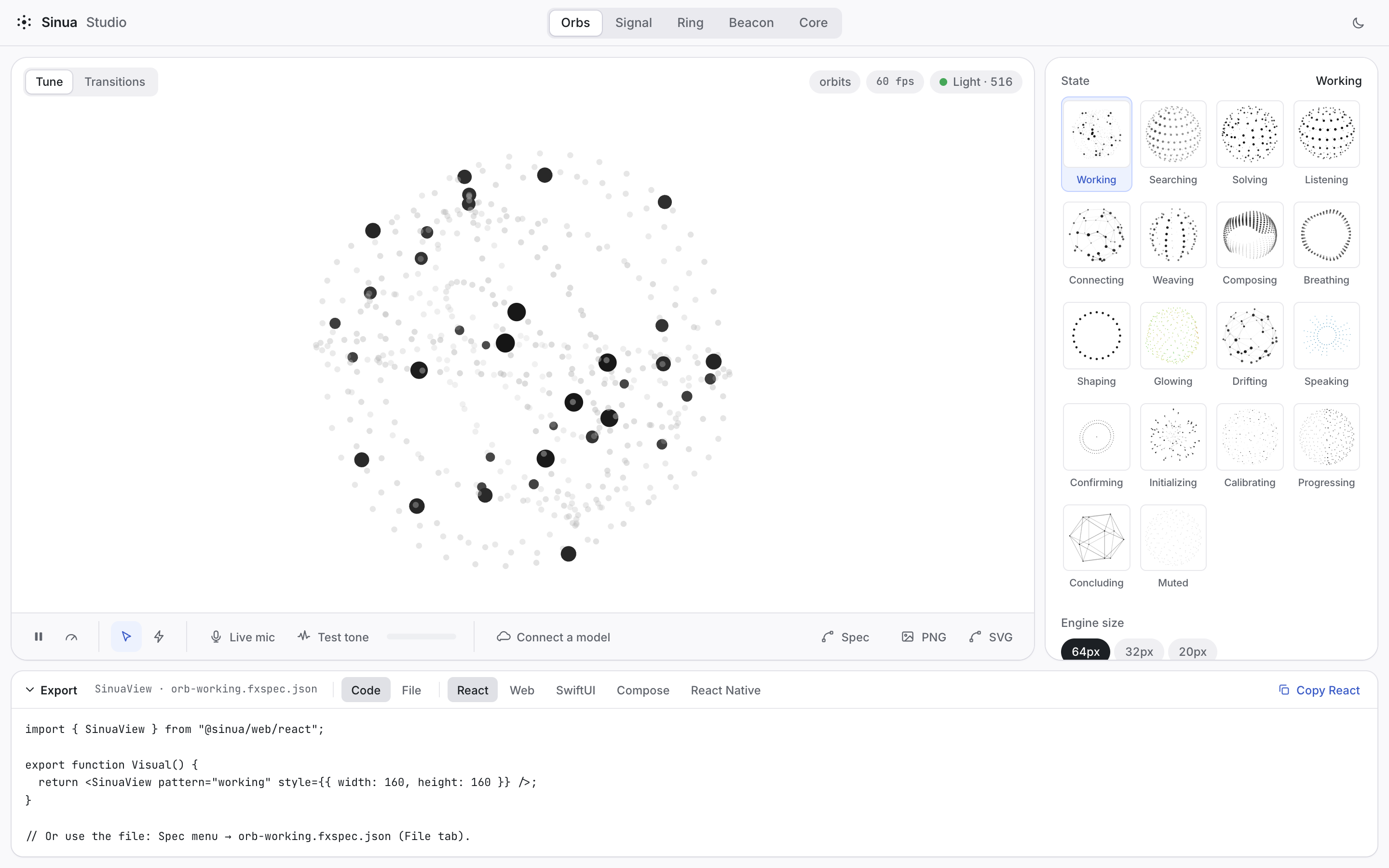
Pick a pattern, then tune it:
- Props: every prop in the catalog, grouped into Appearance, Motion and Energy, then Color and Gradient, then one group per material — Glow, Noise, Particles, Liquid, Holographic, Pulse — and Performance. Each group keeps its rarely-used props behind Advanced, and reactive inputs have their own block. A slider only counts as a change when it differs from the pattern's default, so exports stay minimal.
- Preview: light and dark, sizes 20, 32 and 64, a pointer that scatters the dots, a live voice (microphone, test tone or a vendor session), and a cost badge.
- States and bindings: see Lifecycle & bindings.
- Export: code for each platform, an FX Spec file, or a PNG or SVG image. See Export.